Websites · Updated October 4, 2026
Write a first prompt that gets you the site you want
The first version is only as good as what you tell Firelent. What to gather, what to write, and how to get from close to exactly right.
- Time
- 3 min
- Steps
- 6
- Level
- Beginner
Firelent builds your first version from a single message. Everything in that message is something it doesn't have to guess — and every guess is something you'll correct later. A few minutes of preparation is the cheapest improvement you'll ever make to your site.
This guide covers what to gather, how to write it down, and how to get from a first version that's close to one that's exactly right.
Before you start
- A Firelent account with enough credits for a new website — 40. New accounts start with 50.
- Ten minutes to collect the facts below. It's worth it.
Gather what only you know
Firelent can write, design and build. What it can't know is your business. Before you write a word, collect:
- Your name and what you offer — with real prices, if you show prices.
- Who comes to you, and what they come to do: book, buy, call, visit.
- The practical facts — where you are, when you're open, how people reach you.
- Your own photos and your logo, if you have them. Real pictures of your place and your work beat any stock photo.
Phone number, address and opening hours can also wait until after the first build: Firelent asks for them then, and saving them never costs credits.
Write it as four short answers
A good first prompt answers four questions: what it is, who it's for, what it needs, and how it should feel. You don't need clever wording — plain sentences work best.
Build a website for Brotzeit, a small sourdough bakery in Leipzig. Most customers are neighbours who come in on Saturday mornings, and we take orders for birthday cakes. Show our breads with prices, our Saturday market stand, the opening hours and how to order a cake. Warm, simple and honest — no stock-photo smiles.
Notice what that prompt does: it names the business, says who the customers are and what they do, lists the sections that matter, and describes the feel — including what to avoid. Saying what you don't want is often the fastest way to get what you do.
Show, don't describe
A picture settles in a second what a paragraph can't. When you write your prompt from the composer on the Firelent homepage, you can attach your photos and your logo for Firelent to use.
Screenshots work too. Found a site whose calm, spacious feel you love? Attach it and say so: “match the feel of this, not the content”. Later, in the chat, you can attach up to 10 images to a message — and every message needs a line of text that says what to do with them.
Plan it first when you're unsure
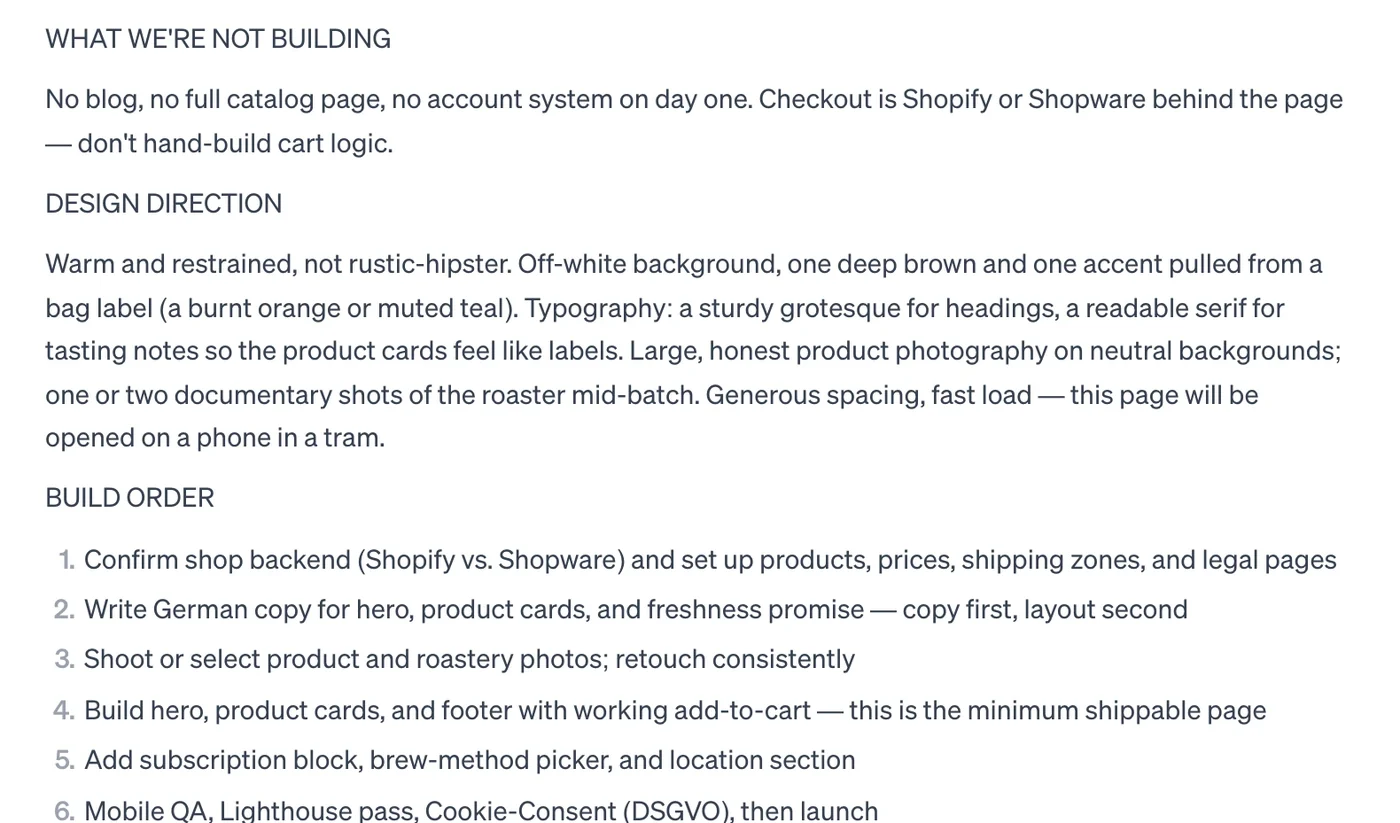
If you're not sure yet what your site should be, don't build — plan. Open the + menu in the message box and choose Plan, or press ⌘P. Firelent writes a plan instead of building: what to build, the design direction, the build order and the open questions worth answering first.
Planning is free, so use it to argue. Answer the open questions, push back on the parts you don't like, and when the plan reads right, reply with something like “build it”. Firelent builds it from there — the usual 40 credits for a new website.
Change one thing at a time
The first version will be close, not perfect. Getting the rest of the way is a conversation, and a few habits make it a short one:
- Say where. “In the hero”, “in the footer”, “on the prices”.
- Say what you want, not just what's wrong. “Make the headline shorter and put a ‘Call us’ button under it” beats “the top looks off”.
- One idea per message. Three small requests land better than one long list.
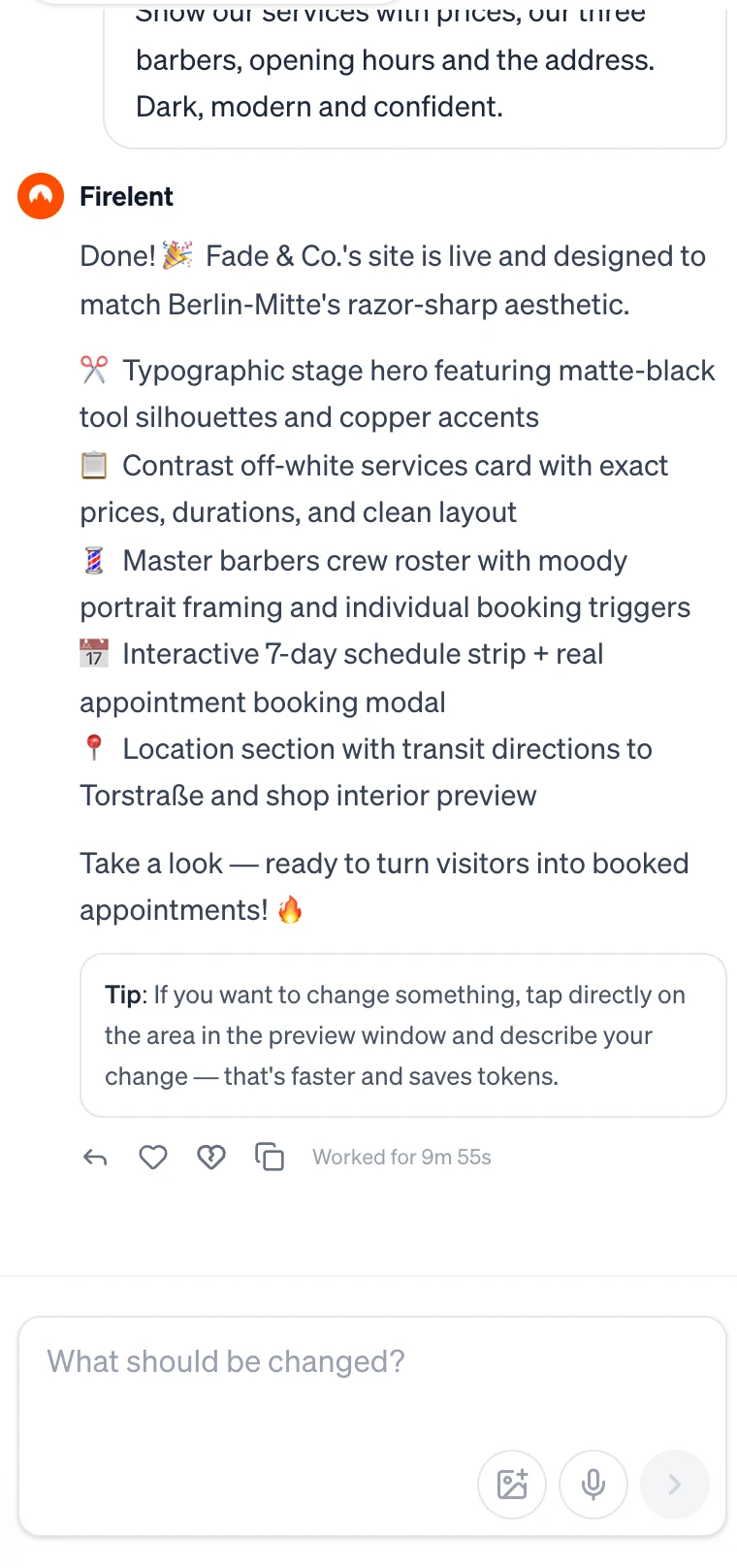
For a change to one specific spot, skip the description: click it in the preview, say what should change, and Firelent changes only that part — for 1 credit instead of 2. Swapping a photo the same way also costs 1 credit.
Go back when a change misses
Sometimes a change just isn't it. You don't have to describe your way back: Firelent saves a version after every build and every change.
Open the Project tab, go to Versions, find the version you liked and click Revert — then Really revert? to confirm. Reverting is free, and nothing gets lost: the newer versions stay in the list, so you can always return to them. Publish again to put the restored version live.
Where you are now
A first version that's close to what you had in mind — and a way to get the rest of the way.